
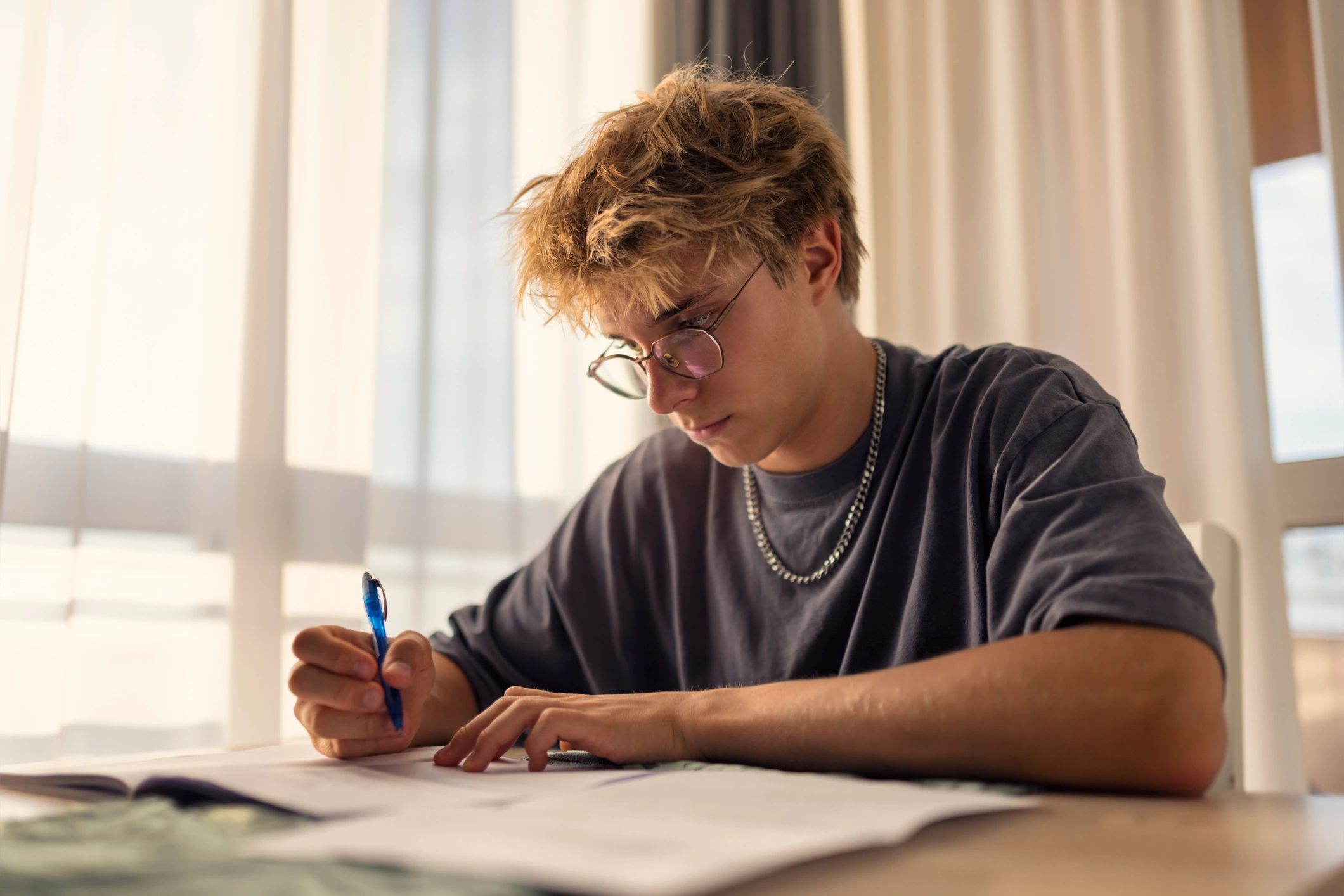
Featured student: Marcus Green, a 15-year-old male student, represents the kind of learner who benefits from consistent and engaging typing practice.
Middle school is a key typing stage
Middle school is one of the most important times in a student’s life to learn how to type. Assignments are getting longer. Teachers are requiring more written work. And students who cannot type confidently are spending twice as long on every single assignment as the kids sitting next to them who can.
The problem is that most typing practice feels like homework. Boring, repetitive, and the last thing a twelve or thirteen year old wants to do after school. That is exactly why TypeMaster 202 was built differently.
At TypeMaster 202 we believe that the best way to learn to type is to make it feel less like learning and more like playing. Our free typing games for middle school students are designed to build real keyboard skills — speed, accuracy, and muscle memory — through engaging challenges that students actually want to come back to.
Why Typing Matters More Than Ever in Middle School
Think about everything a middle school student types in a single week. Book reports. Research papers. Discussion posts. Email responses to teachers. Group project documents. The list goes on and on.
A student who types 15 words per minute is going to take three times longer to complete those assignments than a student typing 45 words per minute. That is not a small difference. Over the course of a school year that gap adds up to dozens of hours of extra work — hours that could have been spent studying, reading, or simply being a kid.
More importantly typing confidence affects academic confidence. When a student struggles to get their thoughts onto the screen fast enough they lose the thread of what they were trying to say. Their writing suffers. Their grades suffer. And they start to believe they are not good at school when the real problem is simply that nobody ever taught them to type.
What Makes TypeMaster 202 Different for Middle Schoolers
Most typing programs feel like punishment. TypeMaster 202 feels like a game.
Our Type or Survivor game puts students in the middle of a survival challenge where the only weapon they have is their keyboard. Type fast enough and you survive. Slow down and the consequences hit. Students who would never voluntarily practice typing drills will play Type or Survivor for forty minutes without even realizing they are building real keyboard skills.
Our structured lessons build on each other in a logical progression — starting with home row basics and moving through every key on the keyboard in a sequence that actually makes sense. Each lesson is short enough to complete in a single class period and measurable enough that students can see their own progress in real time.
And our timed practice tests give students the experience of performing under pressure — exactly the kind of test environment they will face in school, on standardized tests, and eventually in the workplace.
A Story From a Real Middle School Classroom
Mrs. Johnson had been teaching technology classes for eleven years when she first brought her class to TypeMaster 202. She had tried other programs. Some were too expensive. Some had so many advertisements that her students spent more time closing pop ups than actually typing. Some were just too boring to hold a twelve year old’s attention for more than five minutes.
TypeMaster 202 was different.
Within the first week she watched her quietest student — Marcus Green, a 15-year-old male student who had been two finger pecking since elementary school — sit up straighter at his keyboard. He was not just practicing. He was competing against himself. Trying to beat his own score. Coming in before class to get a few more minutes of practice in.
Three months later Marcus went from 12 words per minute to 25 words per minute. He was not the fastest in the class. But he was no longer the slowest. And that difference — that shift in how he saw himself at a keyboard — changed everything about how he showed up in every class that required him to write.
Tips for Parents and Teachers
If you are a parent trying to help your middle schooler build typing skills here are three things that work:
First make it a routine not a punishment. Fifteen minutes of TypeMaster 202 before screen time or after dinner works far better than forcing an hour of practice on the weekend.
Second let them choose which game or lesson to start with. Giving students ownership over their practice makes them more likely to stick with it.
Third track progress together. TypeMaster 202 shows students their words per minute and accuracy after every session. Celebrate the small wins. Going from 18 WPM to 22 WPM is a big deal and it deserves to be recognized.
If you are a teacher TypeMaster 202 works beautifully as a fifteen to thirty minute warm up activity at the start of a technology class period. Students come in, log on, and get straight to work — and by the time you are ready to begin your lesson their fingers are warmed up and their brains are focused.
Start Free Today
Every game, every lesson, and every practice test on TypeMaster 202 is completely free. No subscription required. No credit card. No download. Just open a browser, go to typemaster202.com, and start typing.
Whether your student is starting from zero or trying to push their speed to the next level — TypeMaster 202 meets them exactly where they are and takes them exactly where they need to go.
One keystroke at a time.